
When a homeowner searches for “builders near me” or “roofer in [town]”, Google usually shows a map with three local businesses before any normal results. Many people never scroll past it. They compare the photos, reviews and opening hours, then call straight from the listing.
Those listings come from Google Business Profile (previously Google My Business). It is free, and for most trade businesses it is one of the most valuable pieces of marketing you have. Here is how to give your profile the best possible chance of appearing — and of turning views into calls.
1. Claim and verify your profile
If you have not already, search for your business on Google Maps and claim it, or create a new profile at google.com/business. Google will ask you to verify that you run the business, usually by video, phone or post. Until it is verified, most of the settings below will not take effect.
2. Choose the right primary category
Your primary category has a big influence on which searches you appear for. Pick the one that best describes your main line of work — for example “Roofing contractor”, “Builder”, “Electrician” or “Landscaper” — rather than something general. You can add a few secondary categories for other services, but keep them relevant.
3. Set up your service areas properly
Most trades travel to customers rather than having a shop. In that case you can hide your address and list the towns or areas you serve instead. Be realistic: list the places you genuinely want work from, not every town within fifty miles.
4. List your services in detail
Add each service you offer, with a short description in plain English. A roofer might list re-roofing, flat roofs, chimney repairs, fascias and guttering separately. This helps Google understand exactly what you do and helps customers see you are the right fit.
5. Add real photos — and keep adding them
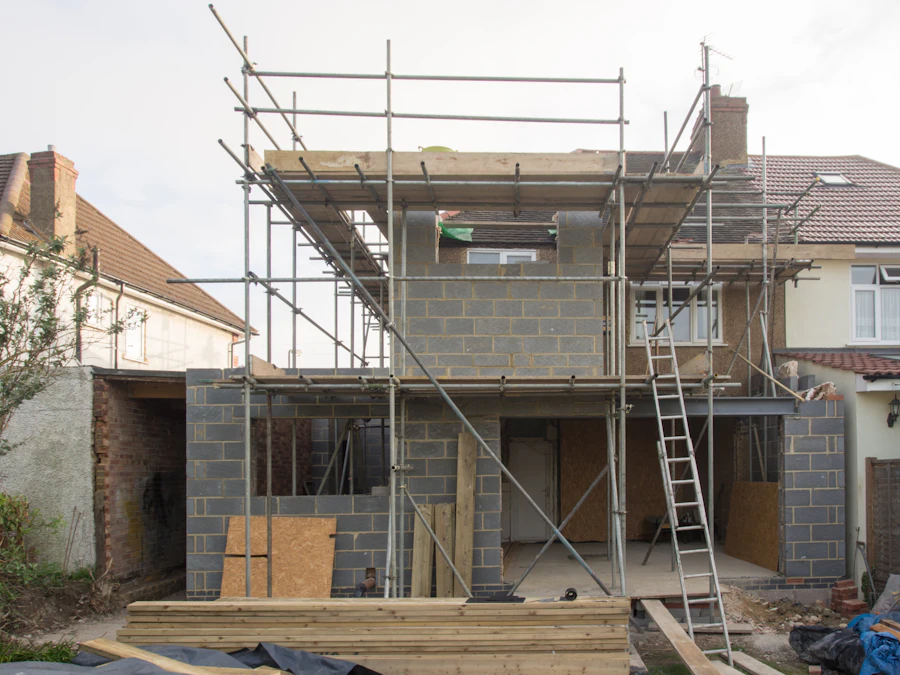
Photos are one of the first things customers look at. Upload clear pictures of finished jobs, work in progress, your vans and your team. Before-and-after shots work particularly well. Avoid stock images: customers can tell, and they want to see your actual work.
- Take photos on every job, even quick ones on your phone.
- Shoot in daylight and keep the area tidy.
- Add a few new photos every month so the profile stays active.
6. Build a simple routine for reviews
Reviews influence both where you appear and whether customers choose you. The easiest way to get more is simply to ask. Send happy customers a short message with your review link when a job is finished, while it is fresh in their minds.
Reply to every review — good and bad — politely and promptly. A calm, professional reply to a negative review often reassures future customers more than the review itself worries them. Never offer incentives for reviews or write them yourself; it breaks Google’s rules and can get your profile suspended.
7. Keep your details accurate everywhere
Make sure your business name, phone number and website are exactly the same on your profile, your website and other directories. Inconsistent details make it harder for Google to trust your information.
8. Link to a website that converts
Your profile should link to a fast, mobile-friendly website with clear service pages and an easy way to get in touch. Many customers will check your website before they call, so it needs to back up the impression your profile creates.
How long does it take?
Some changes, such as fixing categories or adding services, can make a difference fairly quickly. Others, like building up reviews, take time. Rankings in Maps also depend on how close a searcher is and how many competitors are nearby, so no one can guarantee a top-three position. What you can control is having the most complete, accurate and active profile in your area.
If you would like a second pair of eyes on your profile, our Google Business Profile optimisation service covers all of the above, and it works well alongside local SEO.